





Description
Product Overview
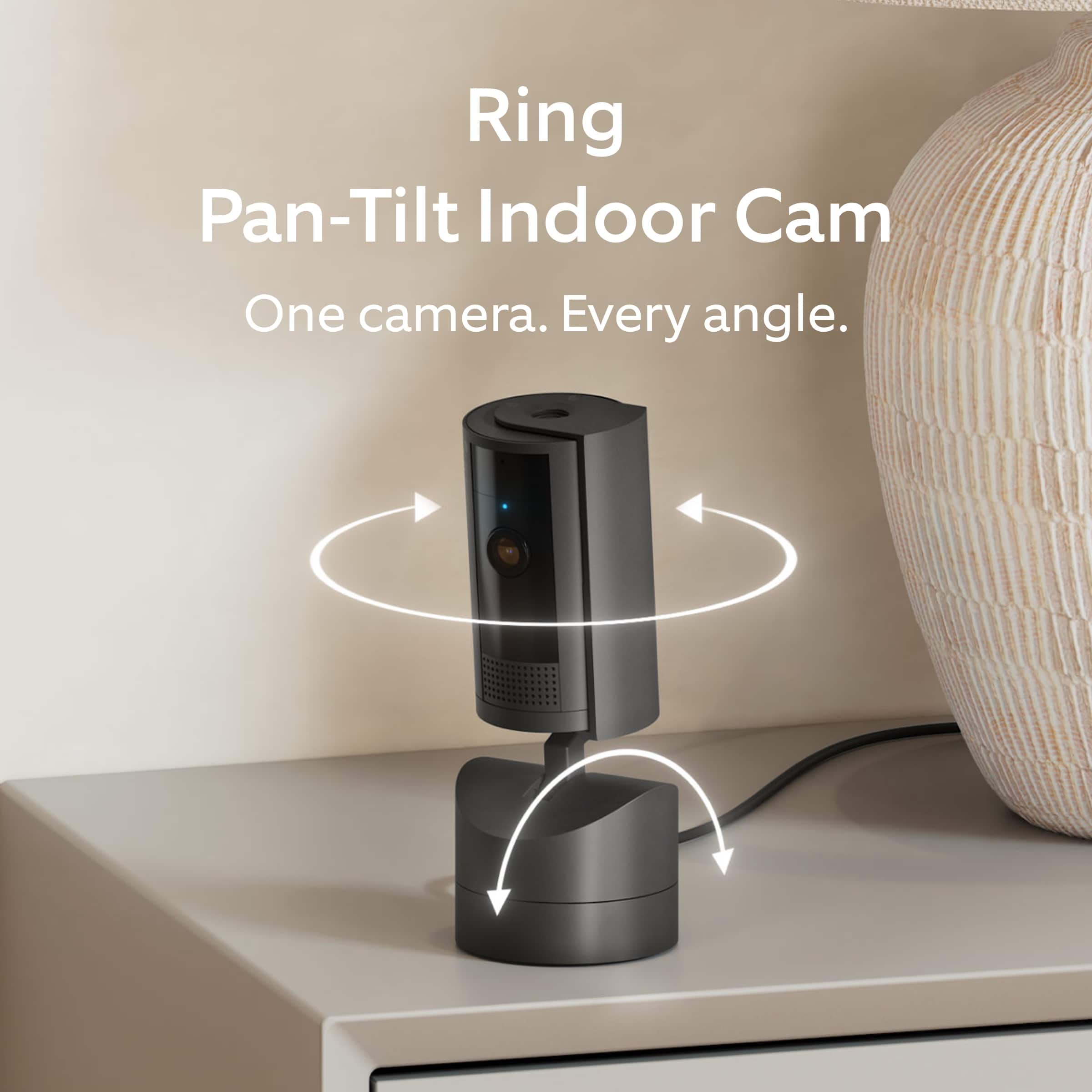
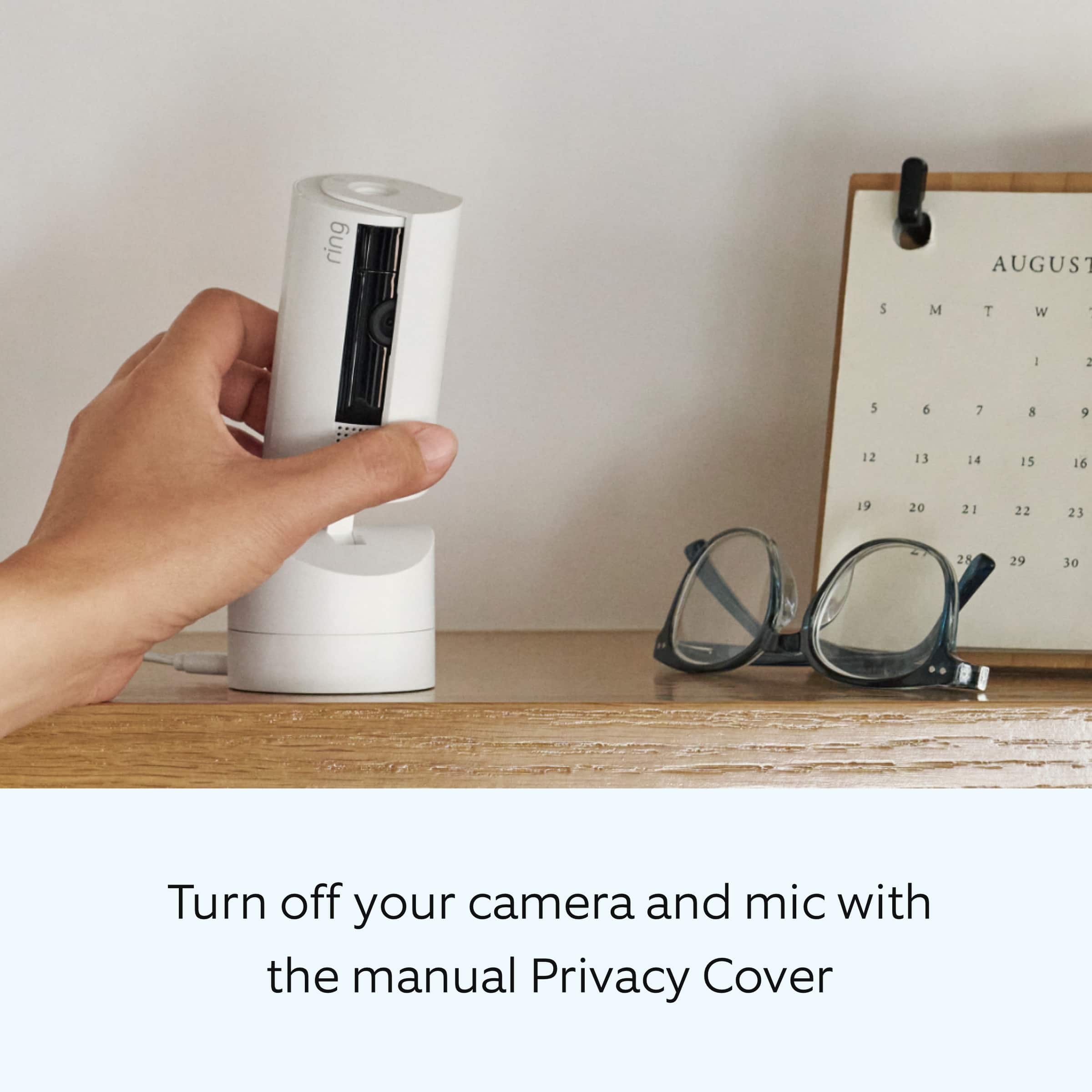
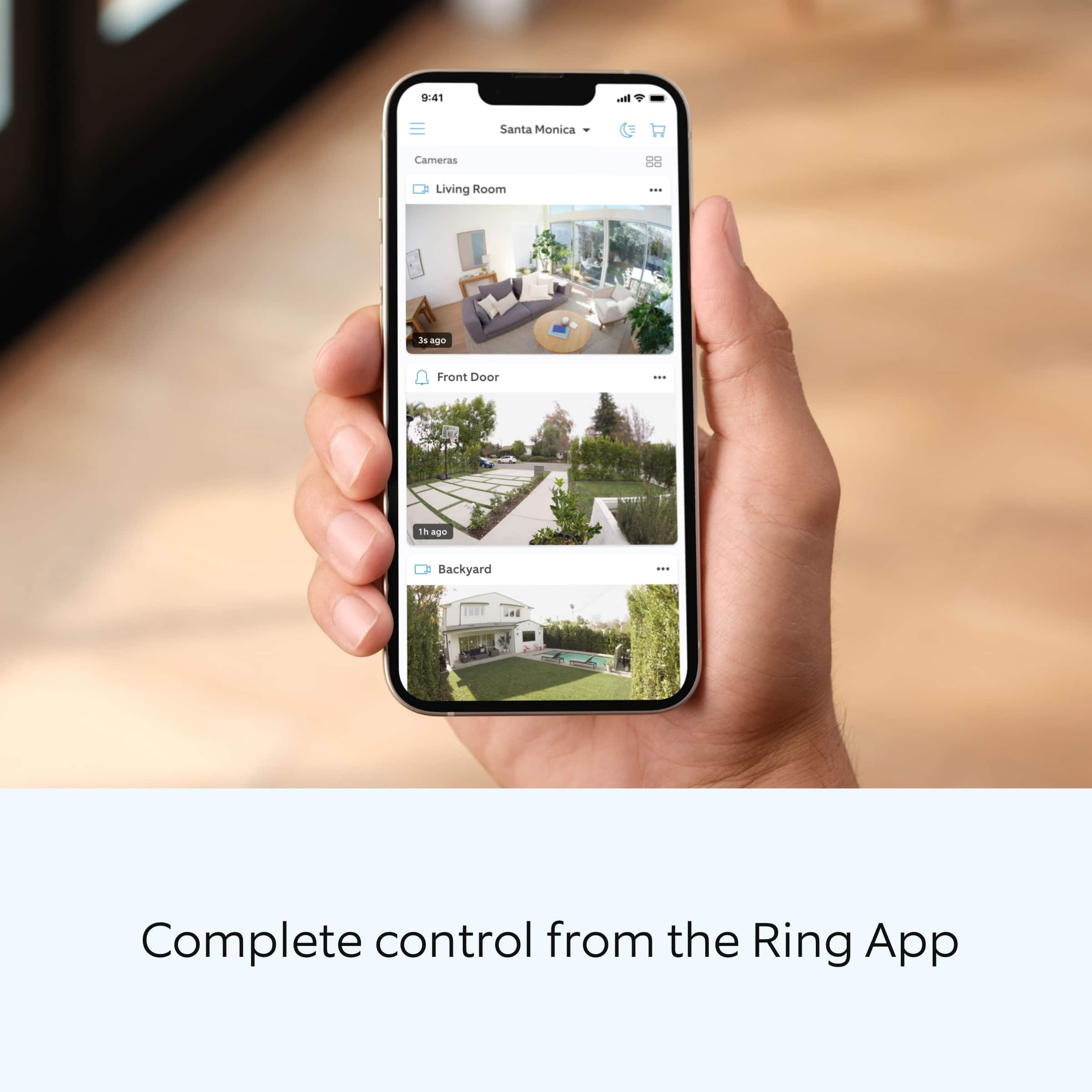
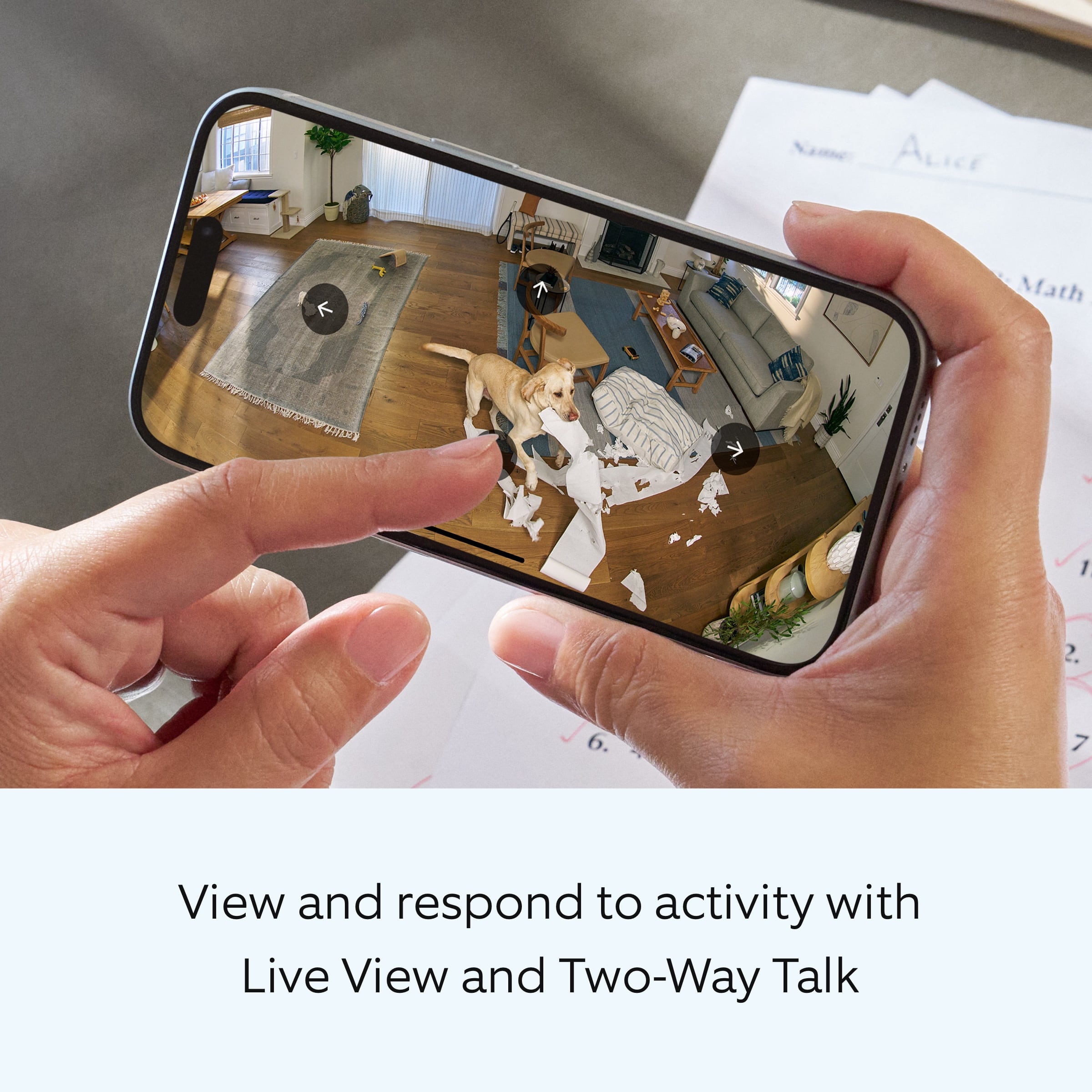
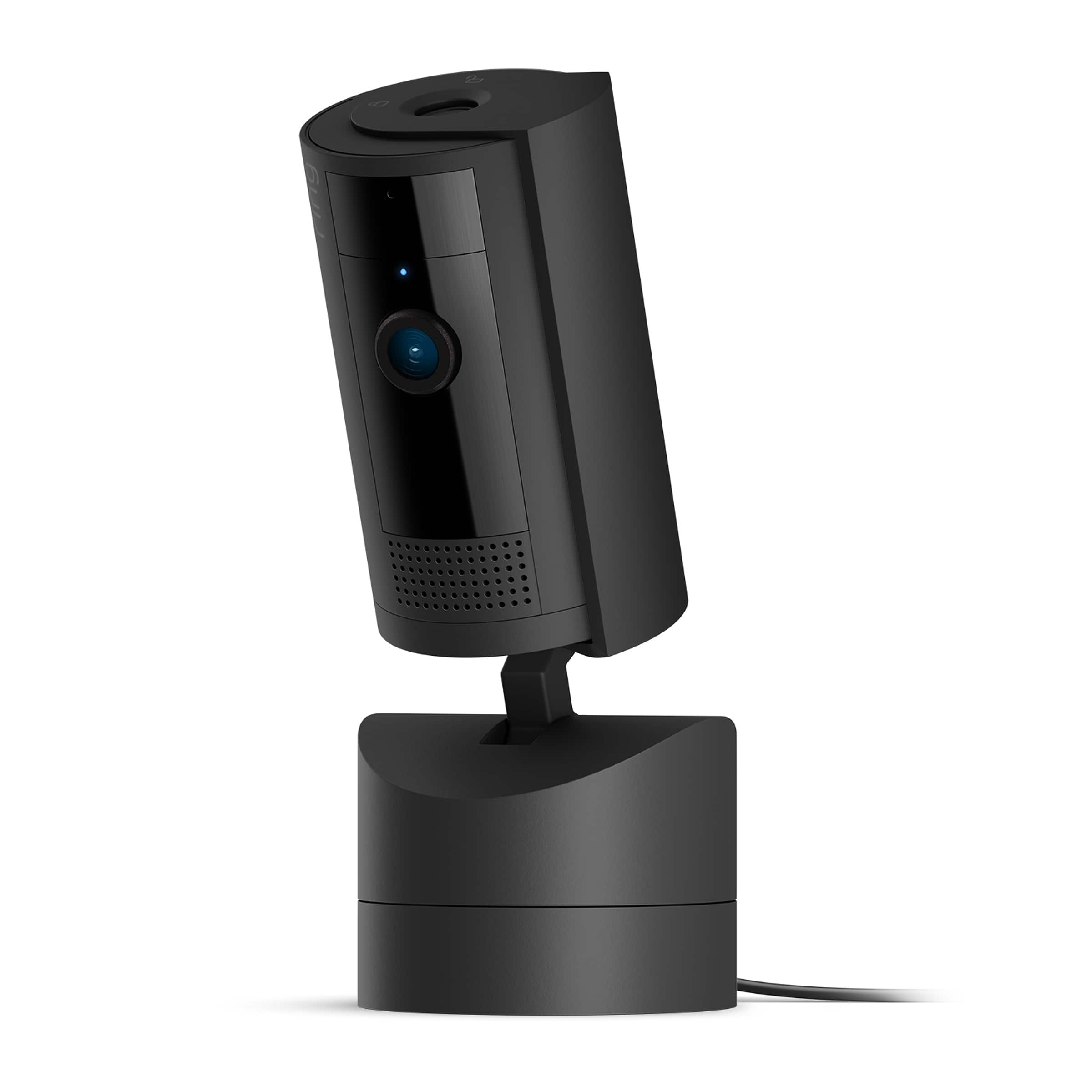
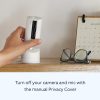
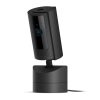
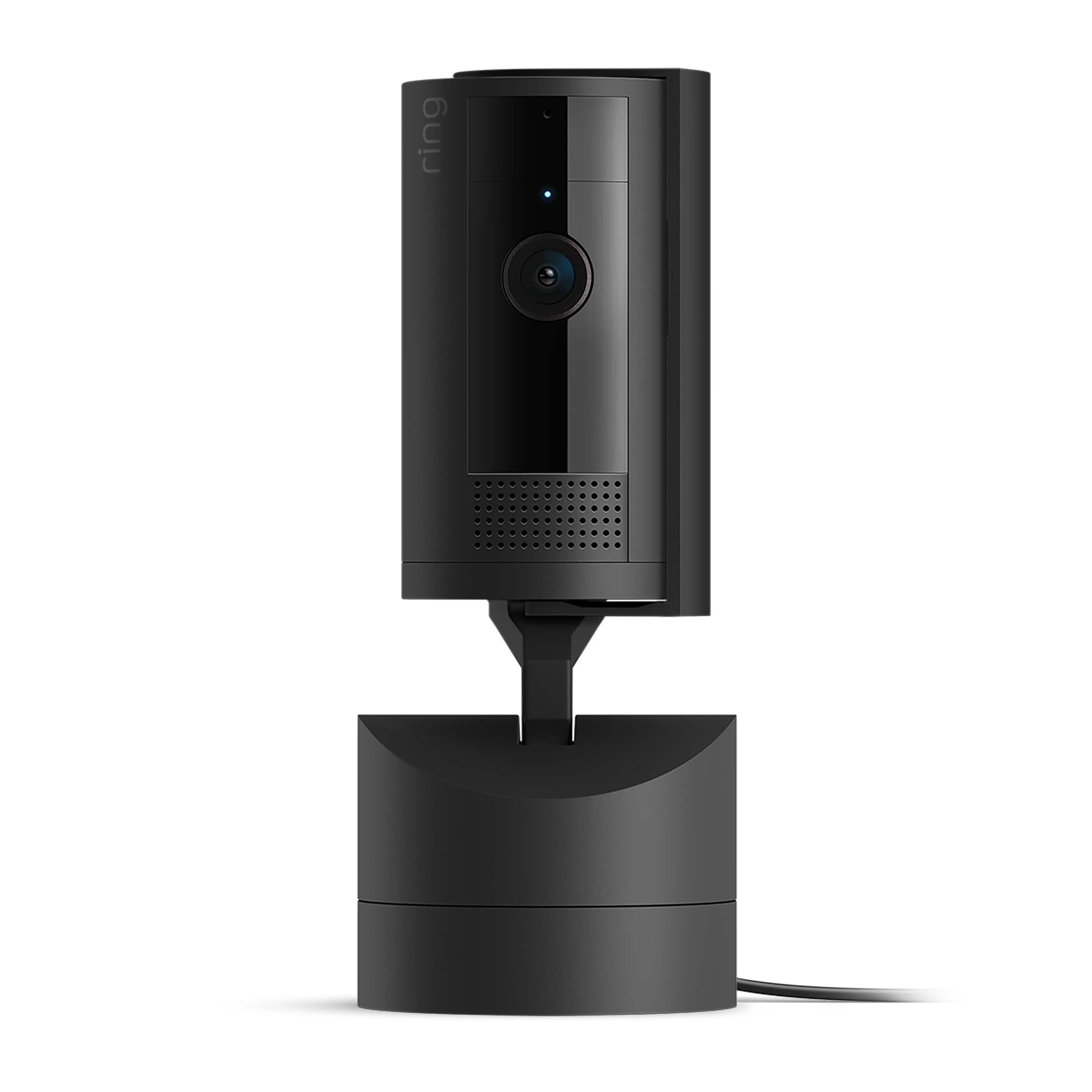
The Ring Pan Tilt Indoor Security Cam is a versatile home monitoring solution designed for comprehensive indoor coverage. It features 360° horizontal pan and tilt capabilities, allowing you to control the camera’s view remotely from your smartphone. With HD video quality, two-way audio communication, and real-time notifications, this camera delivers clear insights into your home’s activity. The manual privacy cover lets you physically disable the camera and microphone for added peace of mind. It includes a USB C power cable, installation hardware, setup guide, and sticker for easy setup and use.
Usage
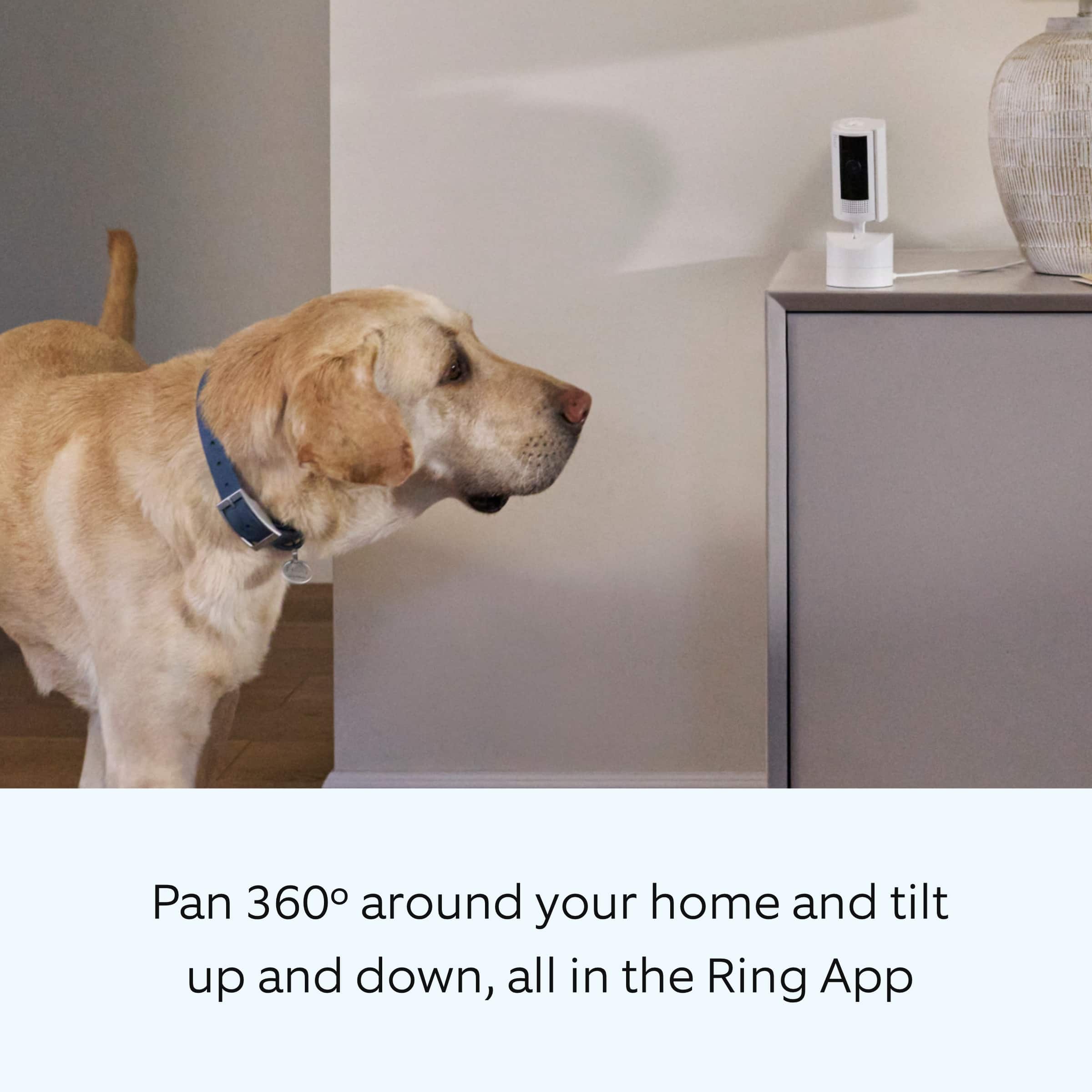
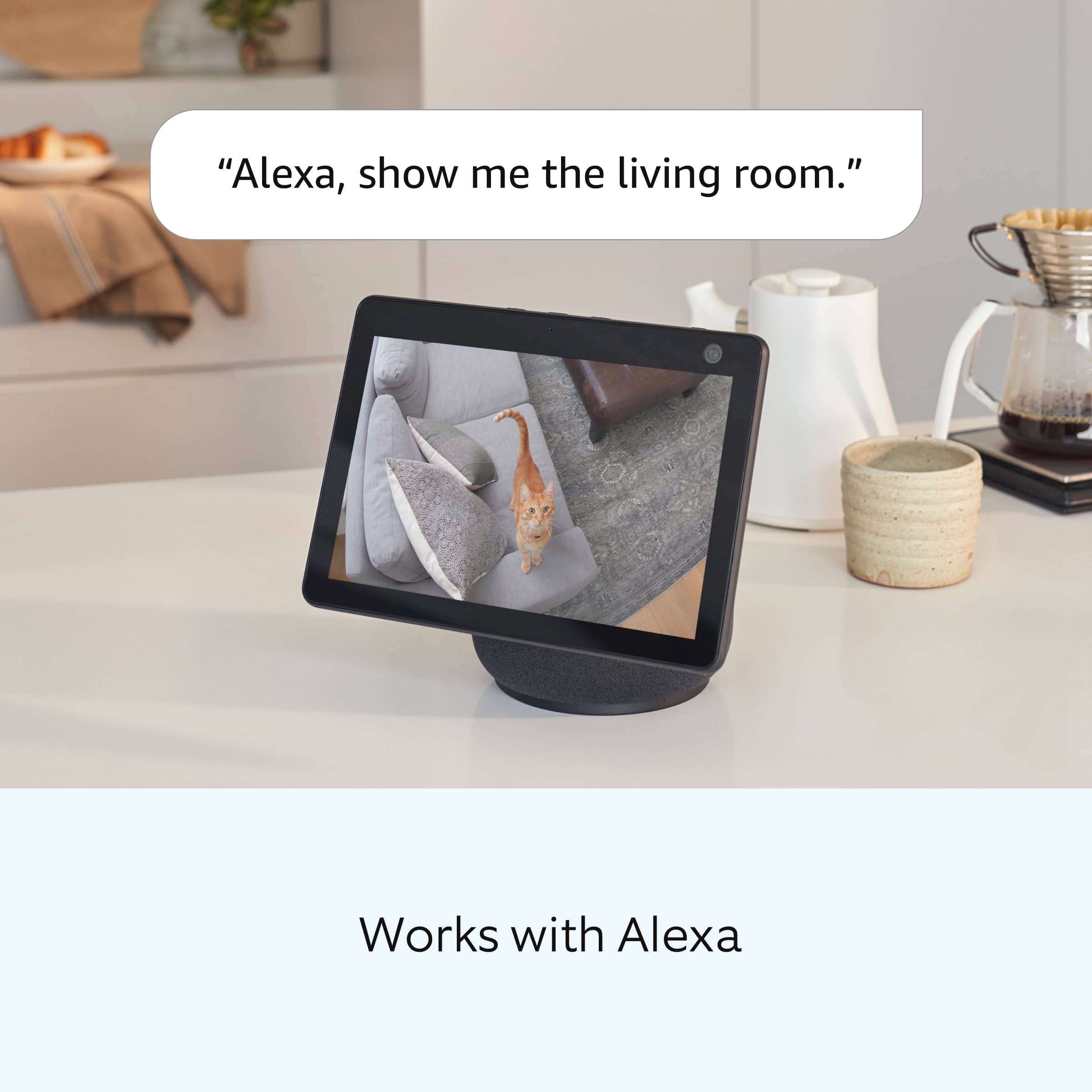
This indoor security camera is ideal for monitoring living rooms, nurseries, entryways, and home offices. It’s perfect for homeowners and renters seeking to enhance security without complex installation. Use it to keep an eye on pets, children, or deliveries, and receive alerts for motion events. The camera integrates with other Ring devices for a connected home security system, activating linked devices when motion is detected.
Why Choose Us
Ring Pan Tilt Indoor Cam stands out with its seamless integration into the Ring ecosystem, offering expandable security through device linking. The manual privacy cover provides tangible control over privacy, a feature not always available in competitors. Its easy DIY installation requires no professional help, saving time and cost. Backed by Ring’s reliable technology, it ensures consistent performance and compatibility with Ring Protect subscriptions for advanced features like AI-powered alerts and video history.
Key Features
- 360° horizontal pan and tilt for complete room coverage from your phone
- HD video with clear details for accurate monitoring and playback
- Two-way talk enables real-time communication with anyone in the room
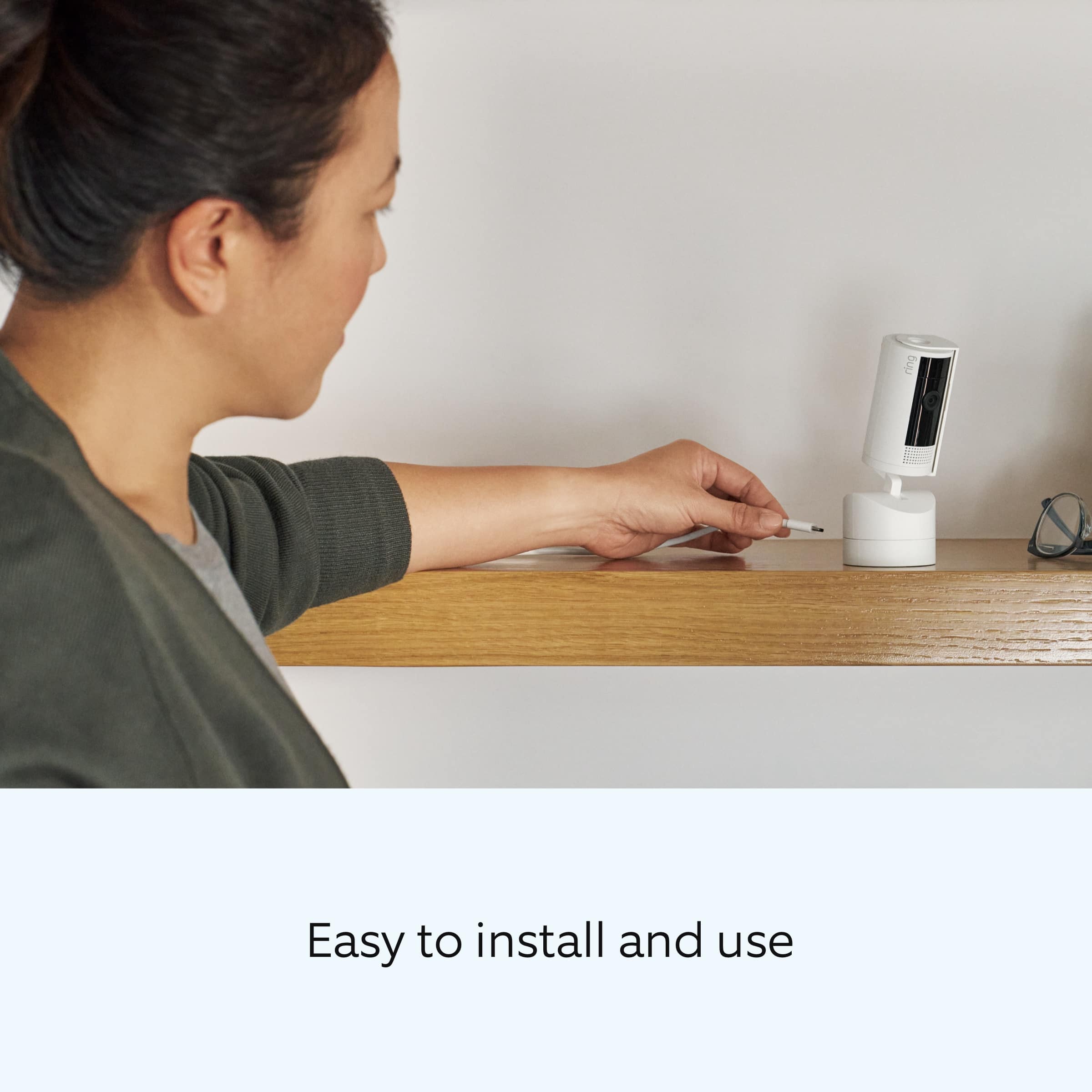
- Easy DIY installation with plug-and-place setup for quick security
- Manual privacy cover to turn off camera and mic for enhanced privacy control
FAQ
Does this camera require a subscription?
Basic features like live view and two-way talk work without a subscription, but advanced options such as person alerts and video history require a Ring Protect plan, sold separately.
Can I use it outdoors?
No, this model is designed for indoor use only to protect it from weather elements; consider Ring’s outdoor cameras for external monitoring.
How do I install the camera?
Installation is simple: plug in the USB C power cable, place the camera on a stable surface, and follow the setup guide in the Ring app to connect to your Wi-Fi network.
What is the range of the pan and tilt function?
The camera pans 360 degrees horizontally and tilts vertically to cover most angles in a room, all controllable remotely via the app.
Can it work with other smart home devices?
Yes, it links with select Ring devices to create a coordinated security system, activating other devices when motion is detected, though a subscription may be needed for full integration.


Reviews
There are no reviews yet.