

Description
Product Overview
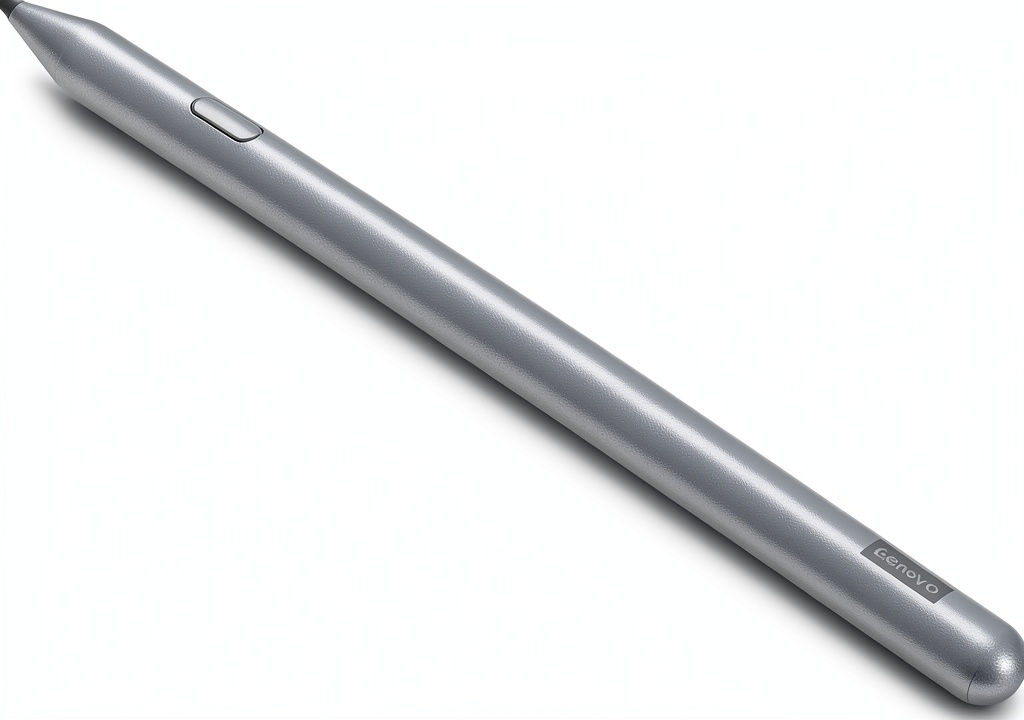
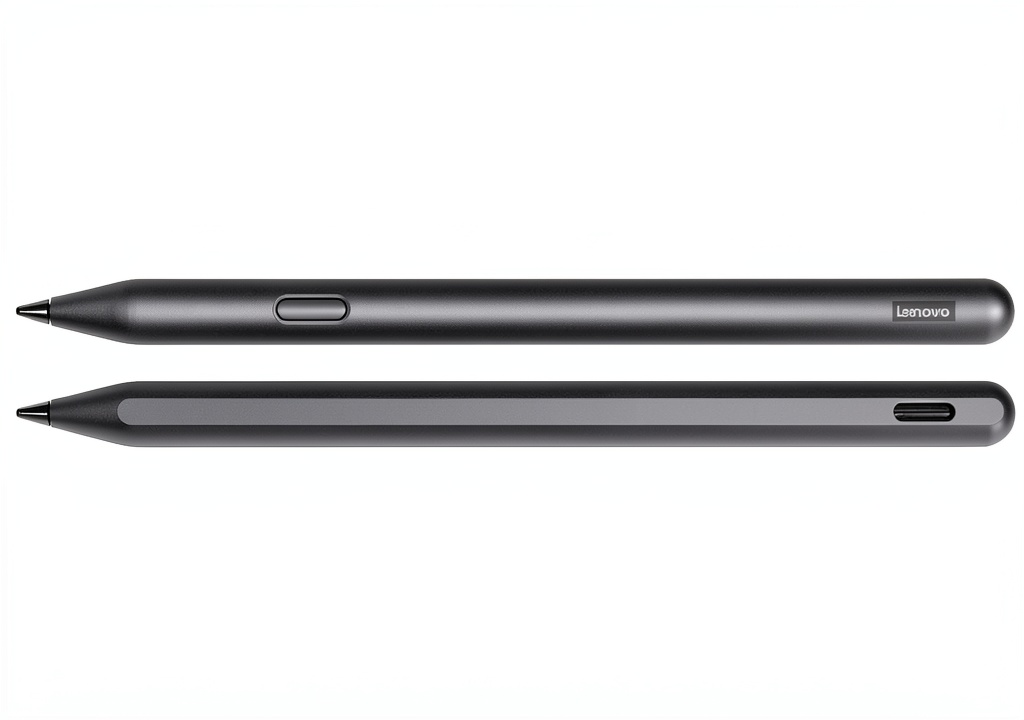
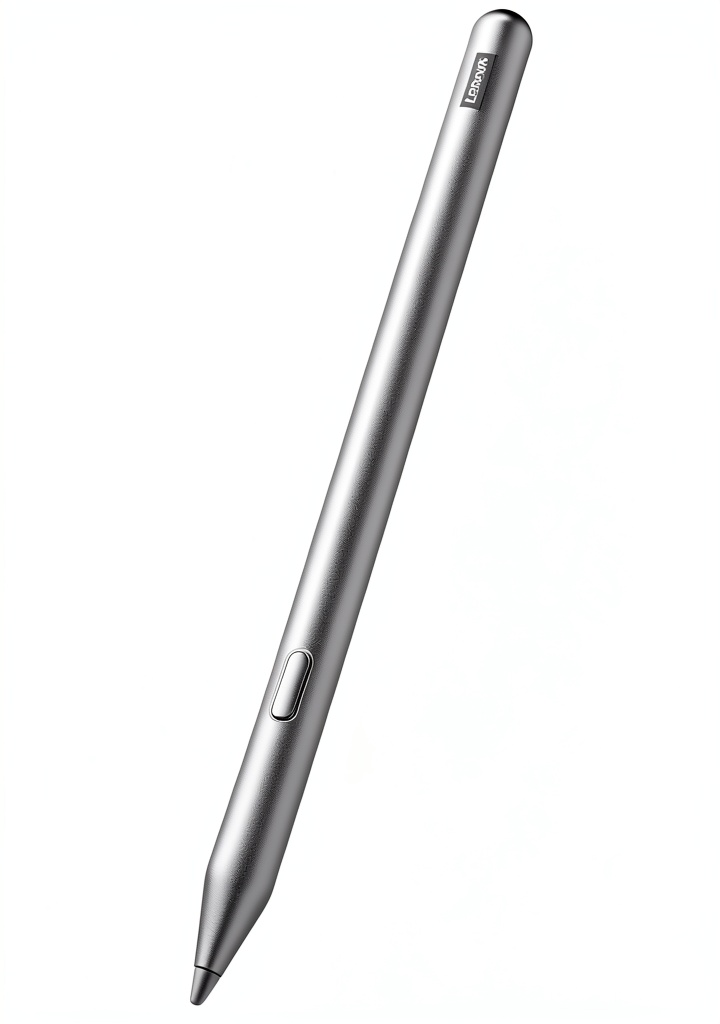
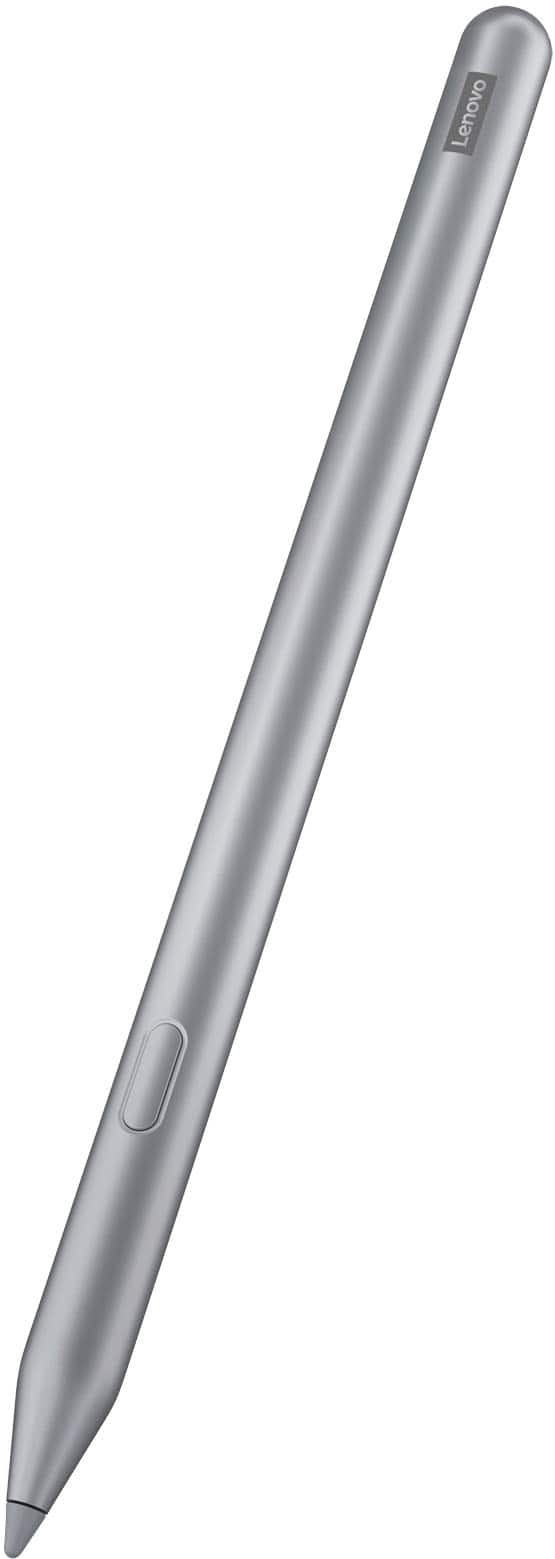
The Lenovo Tab Pen Plus is a premium stylus designed for digital artists, students, and professionals who require precision and natural feel in their work. It features 4096 levels of pressure sensitivity, allowing for fine control over line thickness and shading, much like traditional pencils. The pen includes tilt functionality, which detects the angle of the pen to simulate real drawing techniques, and Finger Tip technology for accurate, detailed strokes. Constructed with a new elastomer grip, it offers comfort during extended use, while improved latency and faster pairing reduce setup time and enhance responsiveness. This stylus is compatible with select Lenovo tablets, providing a seamless tool for sketching, note-taking, and creative projects.
Usage
The Lenovo Tab Pen Plus is ideal for a variety of environments, including home studios, classrooms, and professional offices. It excels in digital art creation, allowing users to sketch, paint, and illustrate with the nuance of traditional media. For students and note-takers, it facilitates handwritten notes and diagrams on tablets, making it perfect for lectures or meetings. The stylus is also suited for graphic designers, architects, and anyone involved in detailed digital work, offering palm rejection to prevent accidental touches and ensure uninterrupted creativity. Its lightweight design and ergonomic grip make it comfortable for long sessions, whether for casual doodling or intensive projects.
Why Choose Us
The Lenovo Tab Pen Plus stands out with its advanced features and reliable performance. Unlike basic styluses, it offers 4096 pressure levels and tilt detection for a more authentic drawing experience, closely mimicking real pencils and brushes. The inclusion of Finger Tip technology and improved latency ensures precise control and reduced lag, making it feel lifelike and responsive. Lenovo’s commitment to quality is evident in the durable construction and ergonomic design, which includes a replaceable pen tip for long-term use. Additionally, the pen’s compatibility with Lenovo tablets and seamless integration provide a hassle-free setup, backed by a brand known for innovation and customer support in the tech industry.
Key Features
- 4096 levels of pressure sensitivity for natural and varied line strokes
- Tilt functionality to simulate real pencil and brush angles while drawing
- Finger Tip technology for precise and accurate fine strokes
- Palm rejection to prevent accidental touches and improve usability
- Improved latency and faster pairing for a responsive and lifelike experience
FAQ
What tablets is the Lenovo Tab Pen Plus compatible with?
The Lenovo Tab Pen Plus is designed for use with specific Lenovo tablets; check the product specifications or Lenovo’s website for a list of compatible models to ensure it works with your device.
How do I pair the stylus with my tablet?
Pairing is straightforward—simply turn on the pen and follow the on-screen instructions on your compatible Lenovo tablet, which typically involves a quick Bluetooth connection for enhanced features.
Can I replace the pen tip if it wears out?
Yes, the Lenovo Tab Pen Plus comes with one replaceable pen tip, and additional tips can be purchased separately to maintain optimal performance over time.
Does the stylus require batteries or charging?
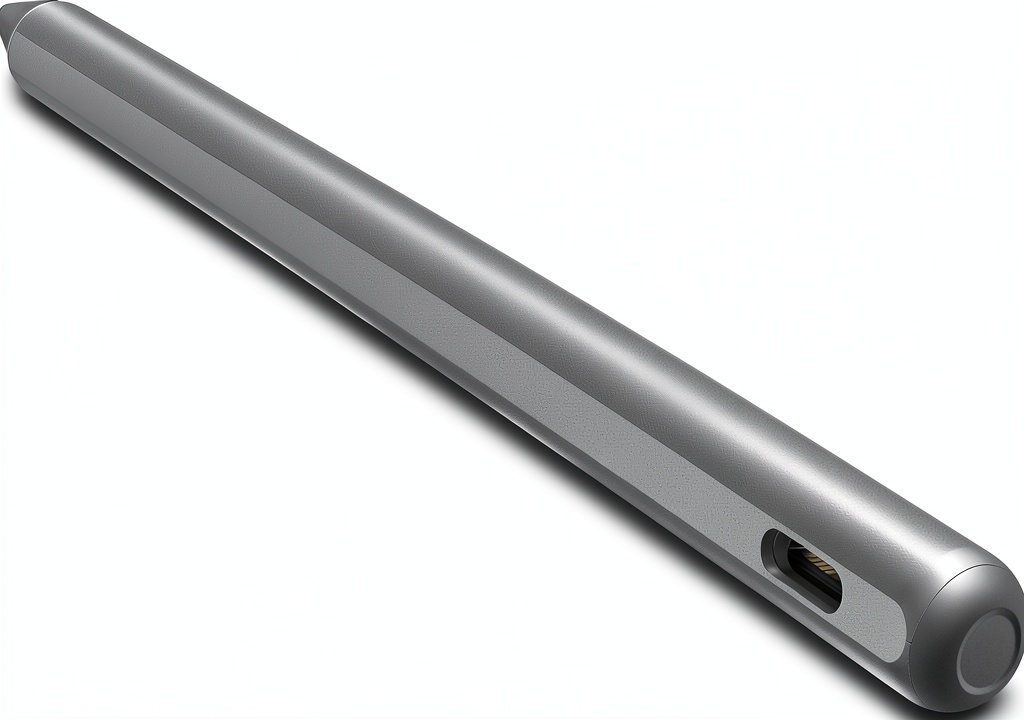
The stylus may require charging depending on the model; refer to the user manual for details on power requirements and how to charge it for uninterrupted use.
Is the Lenovo Tab Pen Plus suitable for left-handed users?
Yes, the stylus is ambidextrous and works equally well for both right-handed and left-handed users, with features like tilt and palm rejection adapting to your drawing style.

 Olympus Telephoto Lens 400mm f5 Macro Zoom Wildlife
 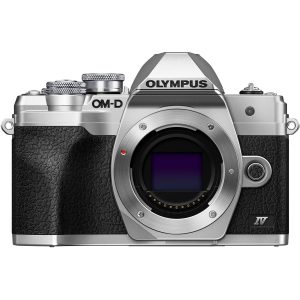 Olympus OM-D E-M10 Mark IV Mirrorless Camera 4K Video
 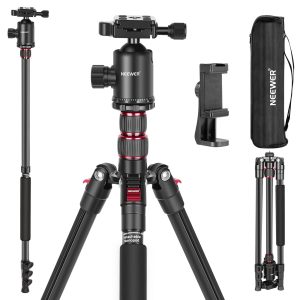 Neewer 77 Inch Aluminum Tripod Monopod DSLR Camera Phone
Reviews
There are no reviews yet.